


The brand of accessories informatics de design
✅ Dual connectivity Radio frequency with USB receiver + Bluetooth

Dual Technology: USB + BLUETOOTH RECEIVER

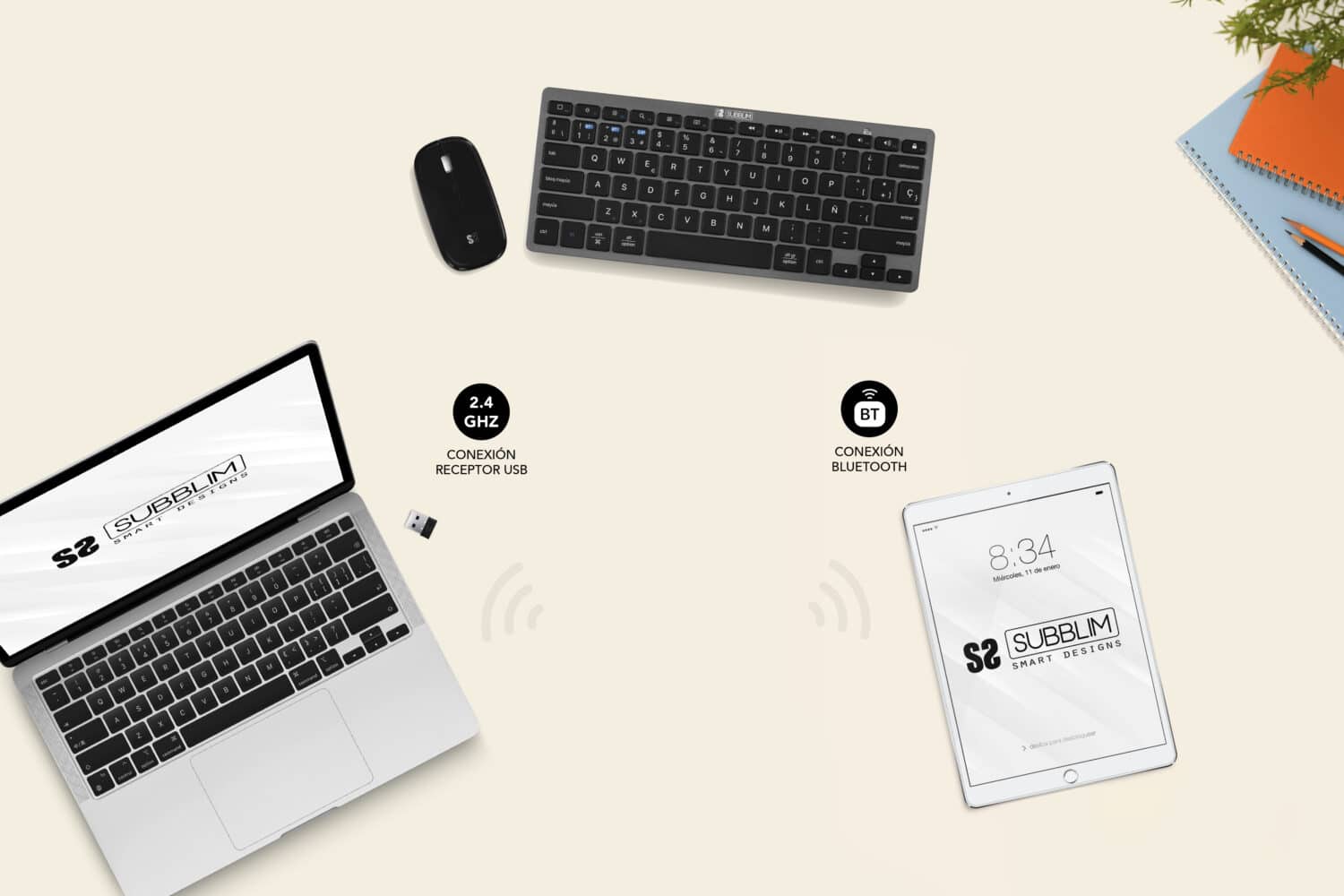
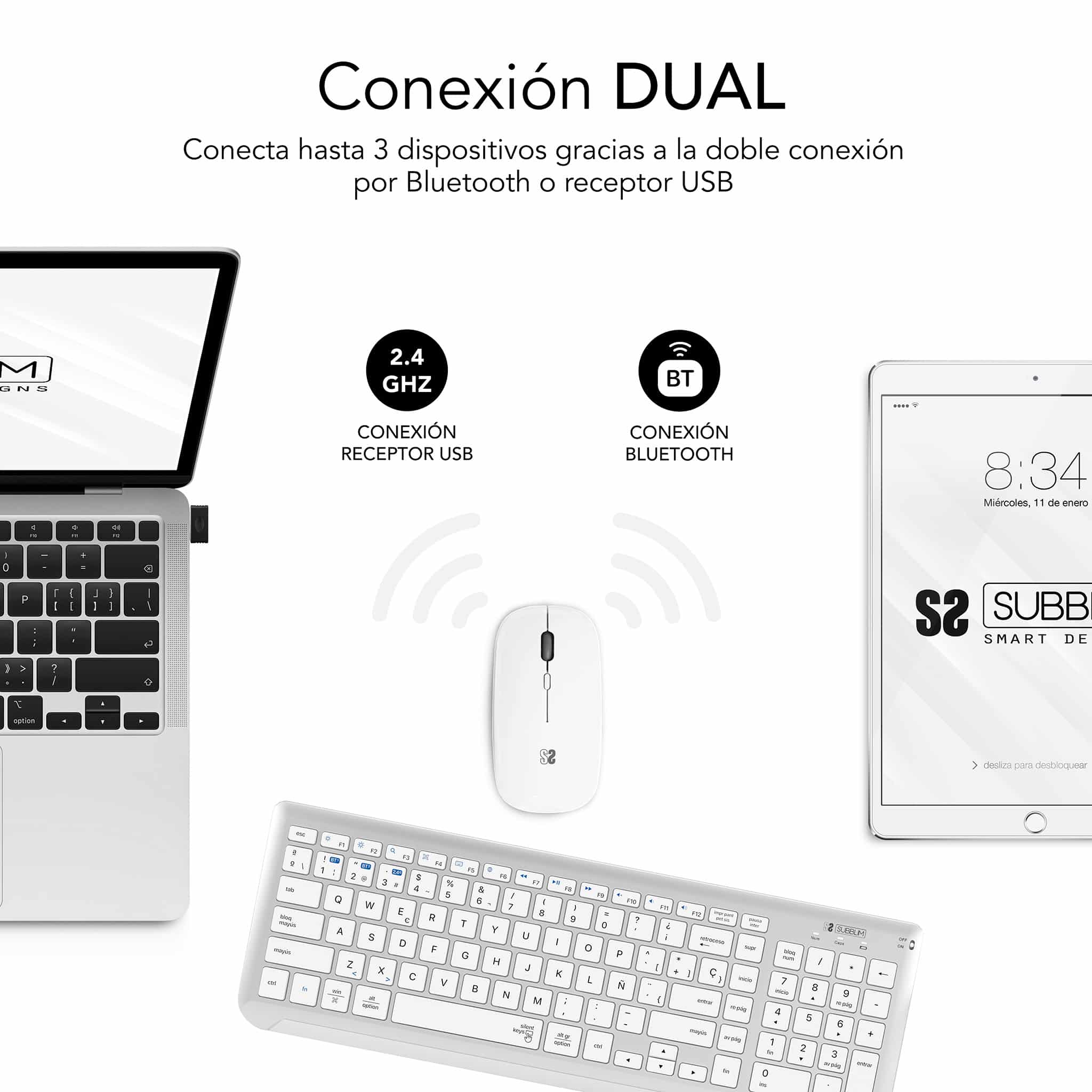
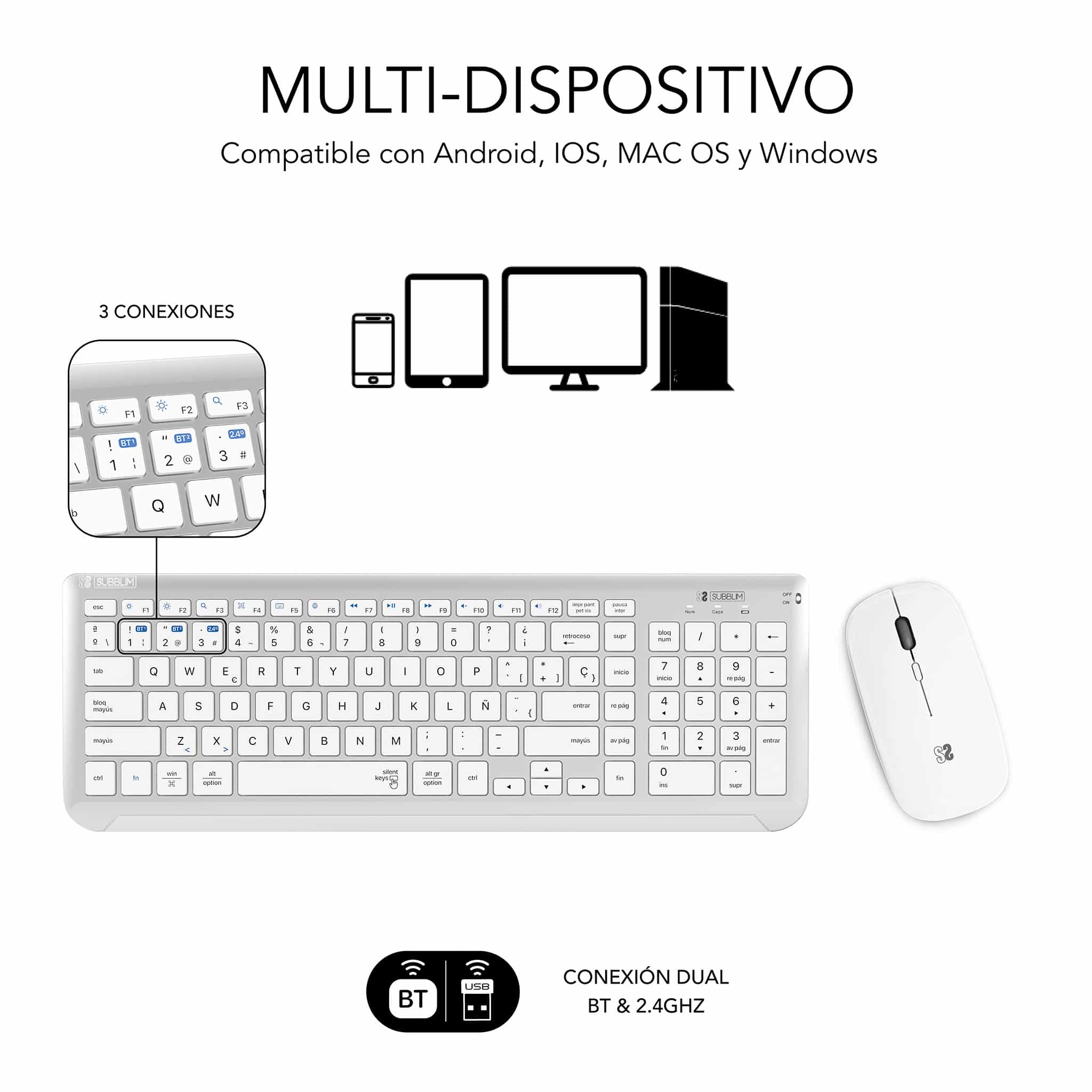
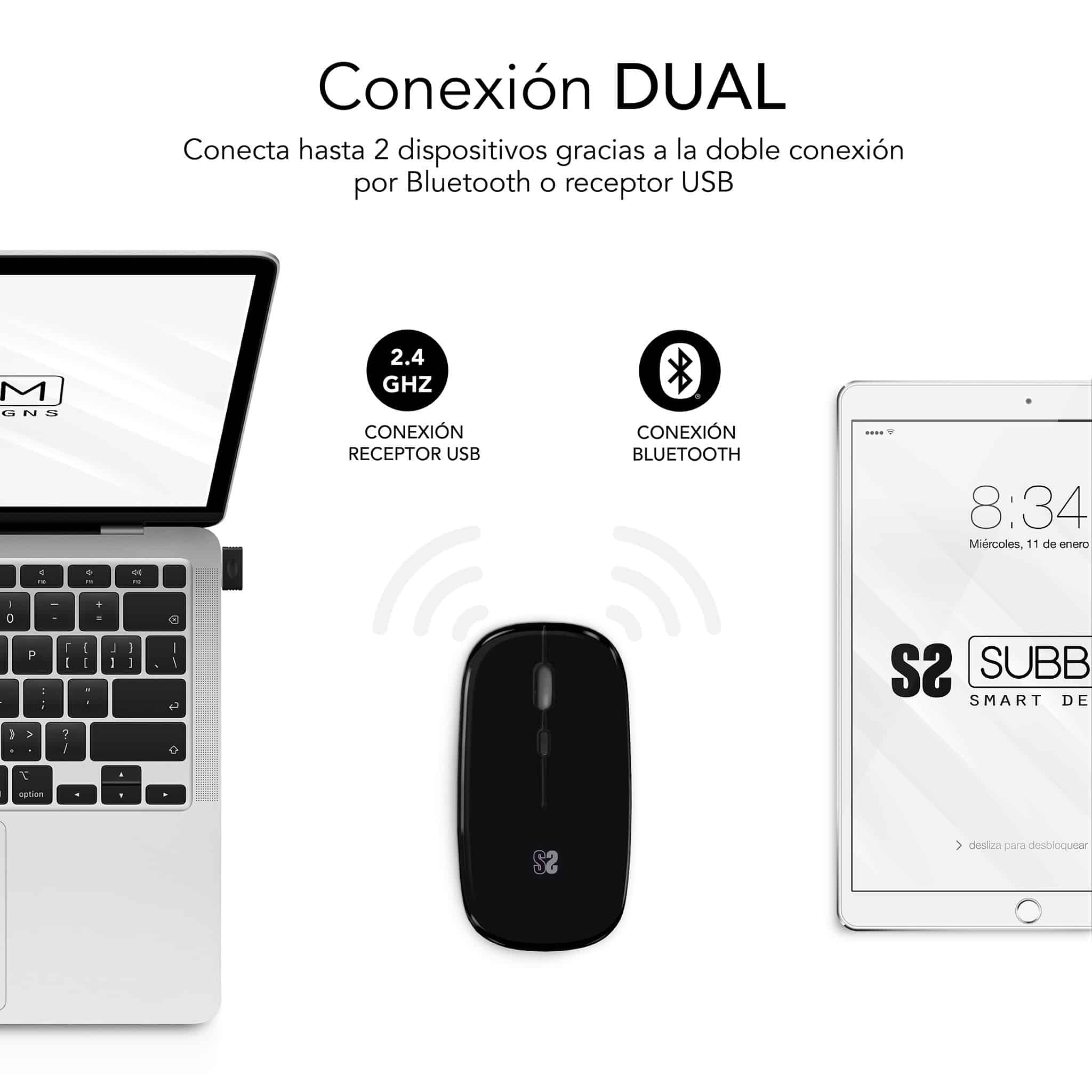
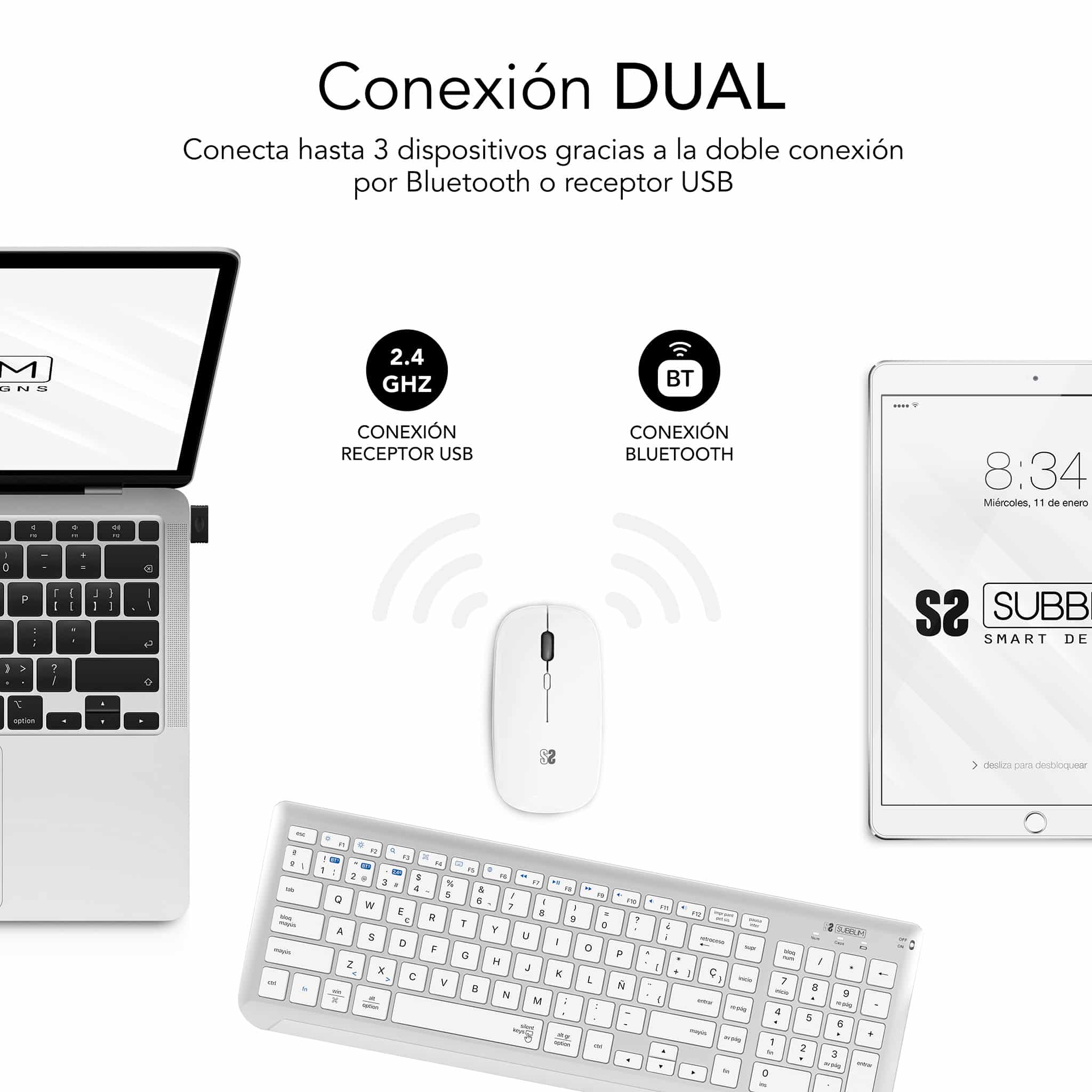
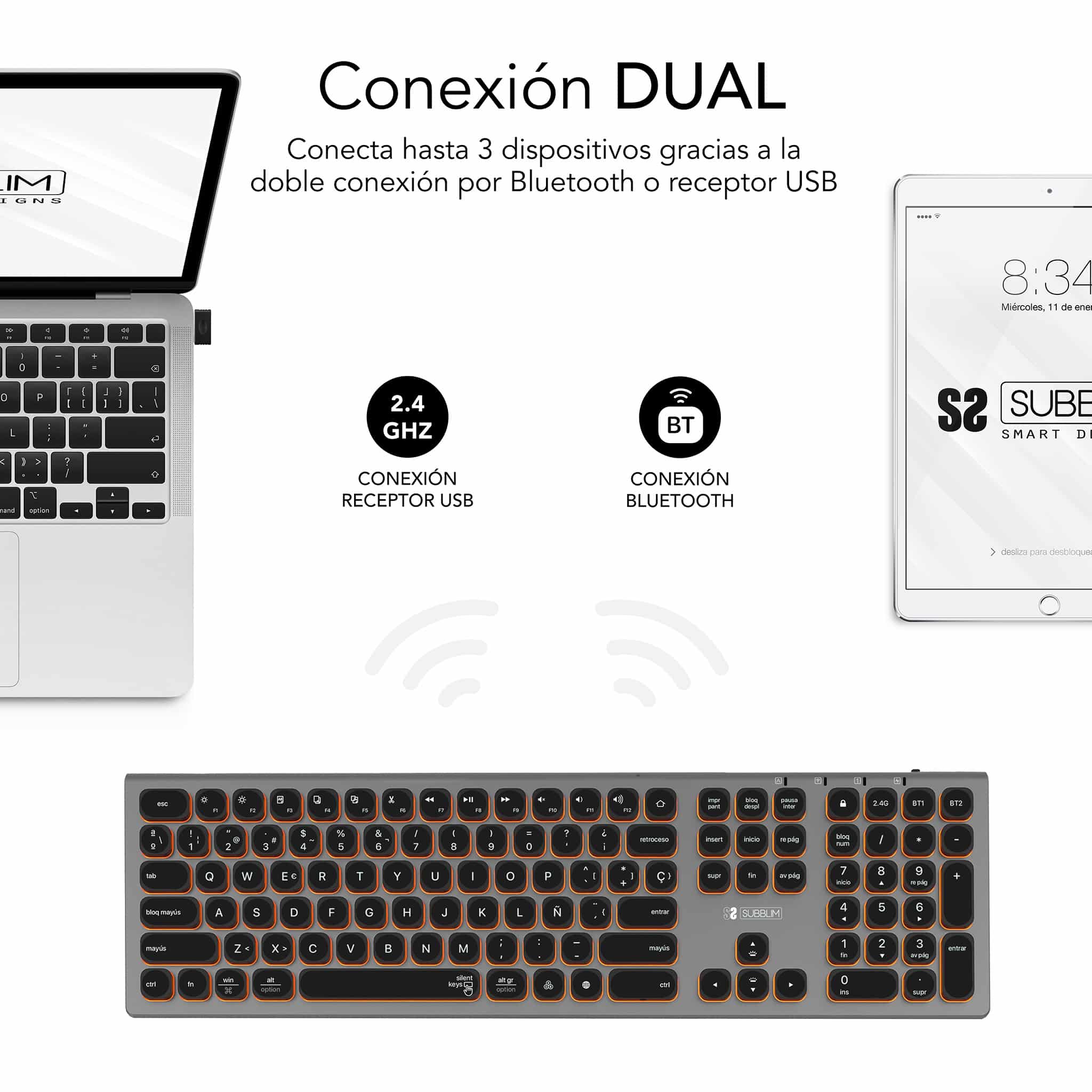
Connect your keyboard and/or mouse to your devices via Bluetooth or radio frequency

Increase the connection possibilities to your devices thanks to the dual technology system: you can choose to connect the keyboard and mouse by radio frequency with the included USB receiver or by Bluetooth.

Advantages of dual connectivity

WORK WITH MULTIPLE DEVICES AT ONCE

Connect your keyboard and/or mouse to your computer and your tablet or iPad simultaneously and switch between them with just a few keystrokes.

WORK in different
technological environments

It doesn’t matter if you work with Windows, Android, Mac… Or if your device has Bluetooth or USB ports, you can choose the type of connectivity that best suits you.

✅ Dual connectivity Radio frequency with USB receiver + Bluetooth

Multi-device keyboard and mouse

Dual keyboards and mice are also multi-device compatible, allowing you to connect up to three devices to the same keyboard and up to two devices to the same mouse.

For example, you can have your peripherals connected to your computer and your tablet or iPad, and switch between them to work seamlessly across your devices.

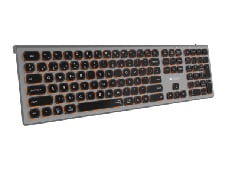
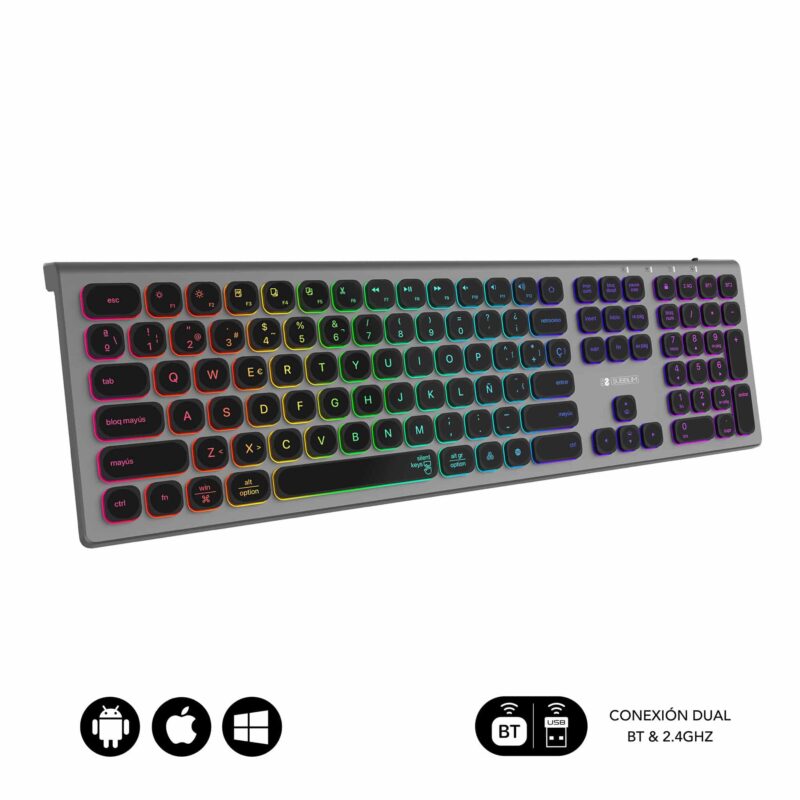
DUAL ILLUMINATED
MASTER KEYBOARD

The multi-device dual keyboard with backlighting that blurs the line between leisure and work.

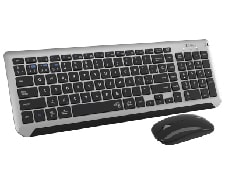
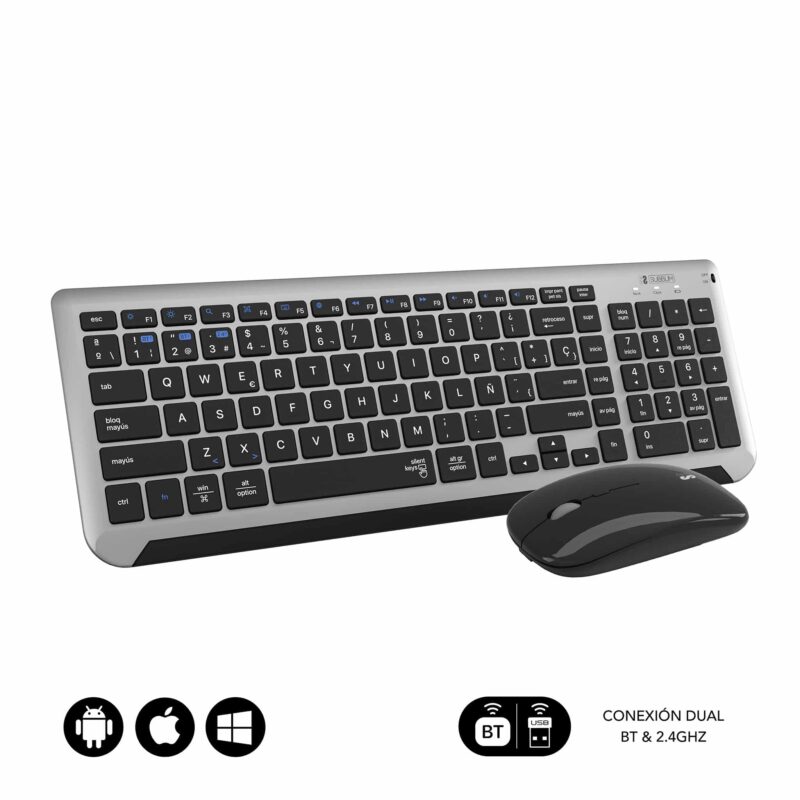
DUAL PRESTIGE combo

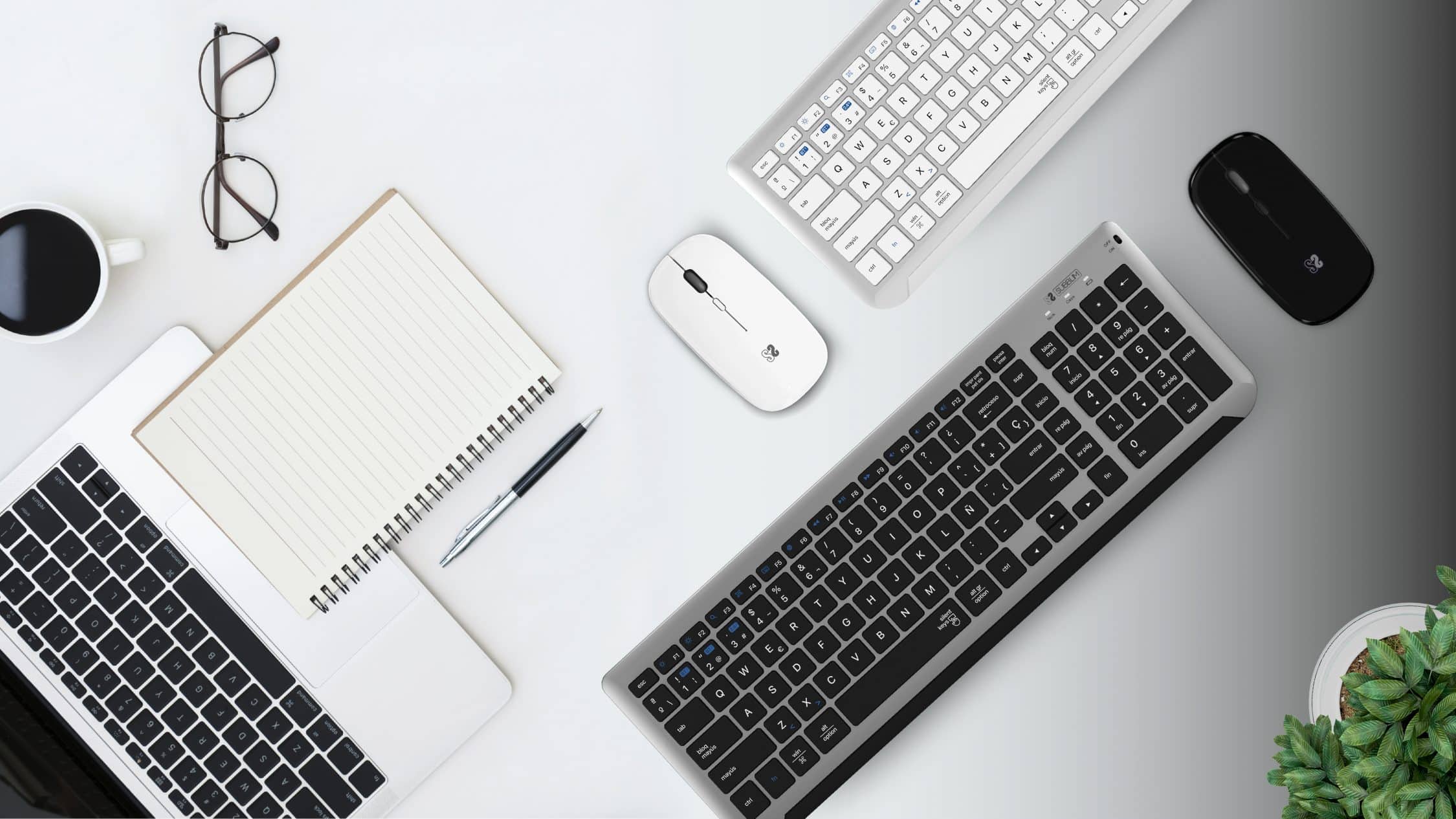
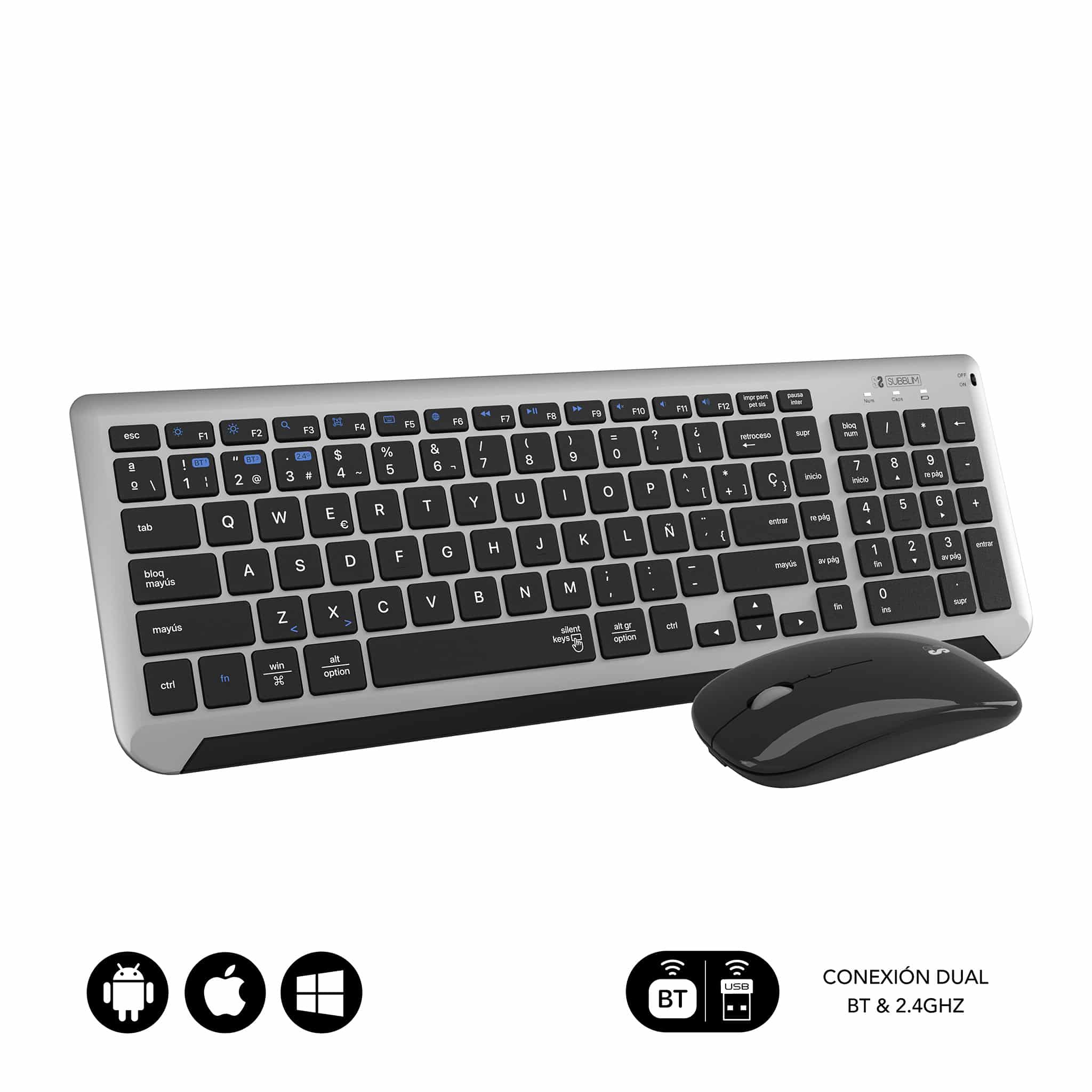
Extended keyboard with numeric keypad and dual-connectivity mouse. The smart choice for everyday work, regardless of device type or operating system.
Compatible with iOS, macOS, Android, and Windows.

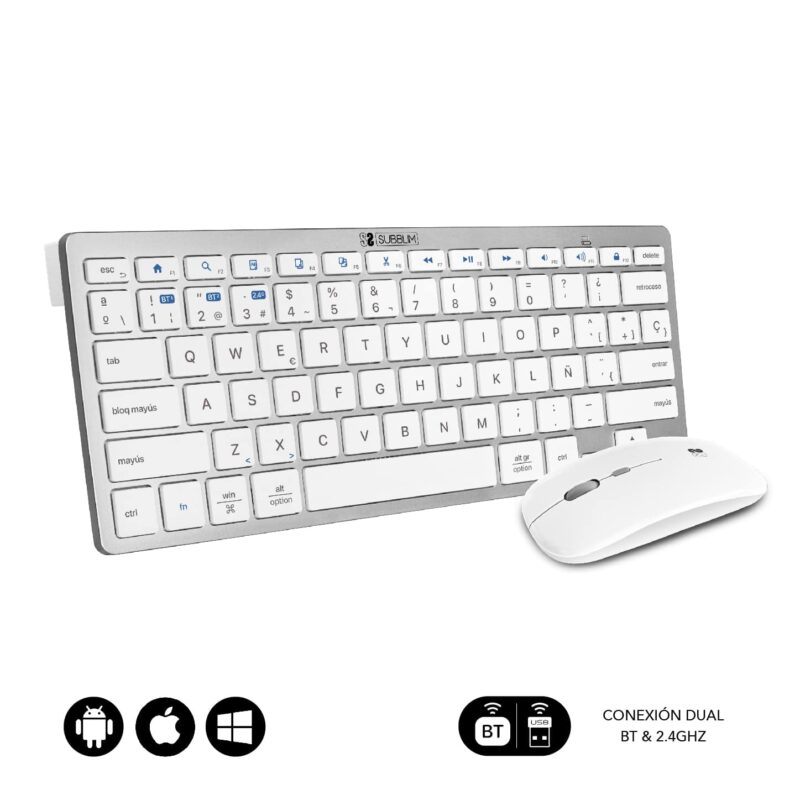
COMPACT MULTI-DEVICE combo

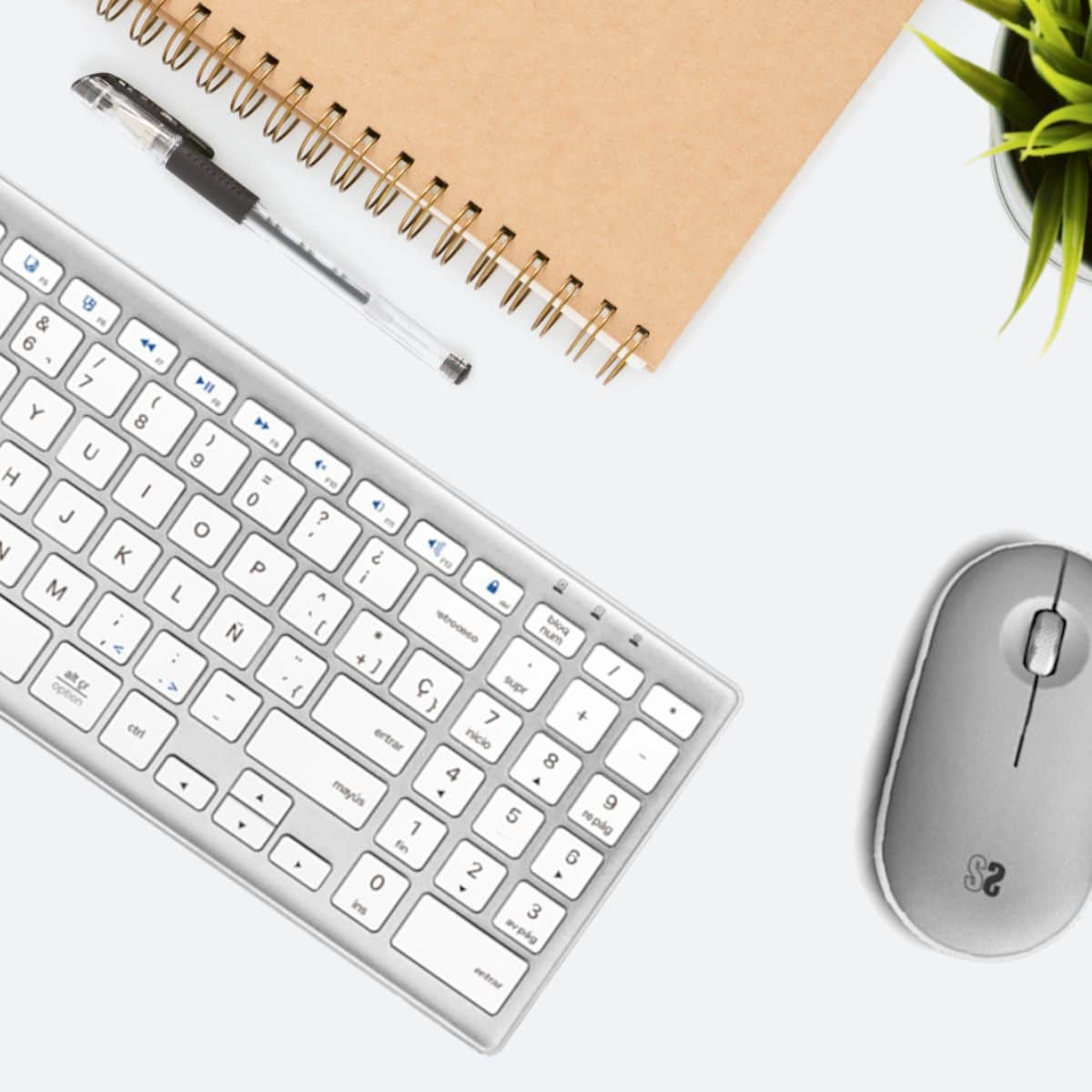
Compact keyboard and mouse combo to take with you everywhere and work in different environments: office, home, waiting rooms, cafes… and with different devices at the same time: computer, tablet, iPad, mobile phone…

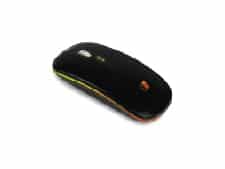
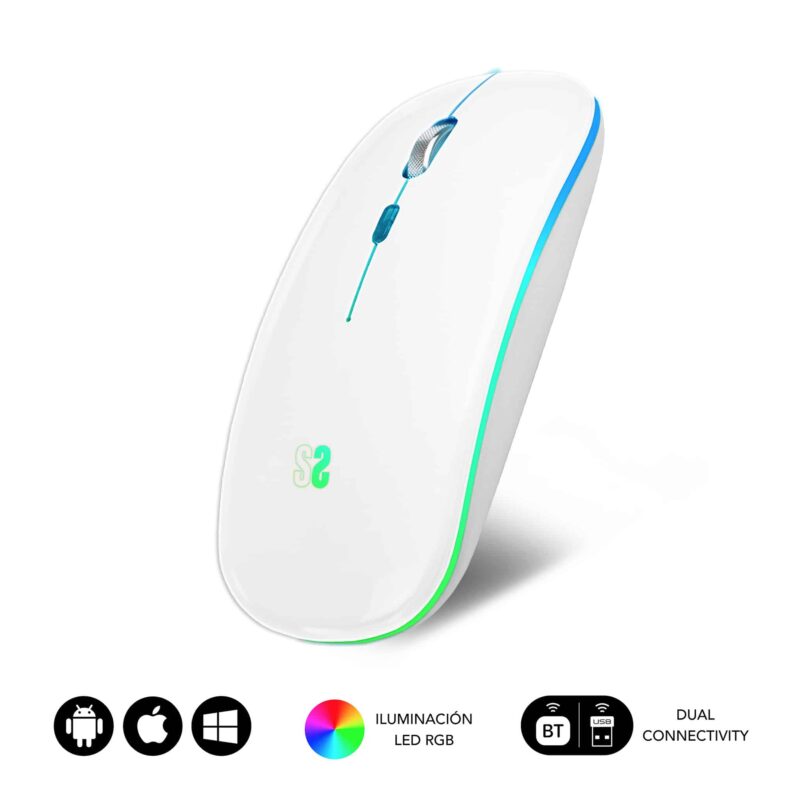
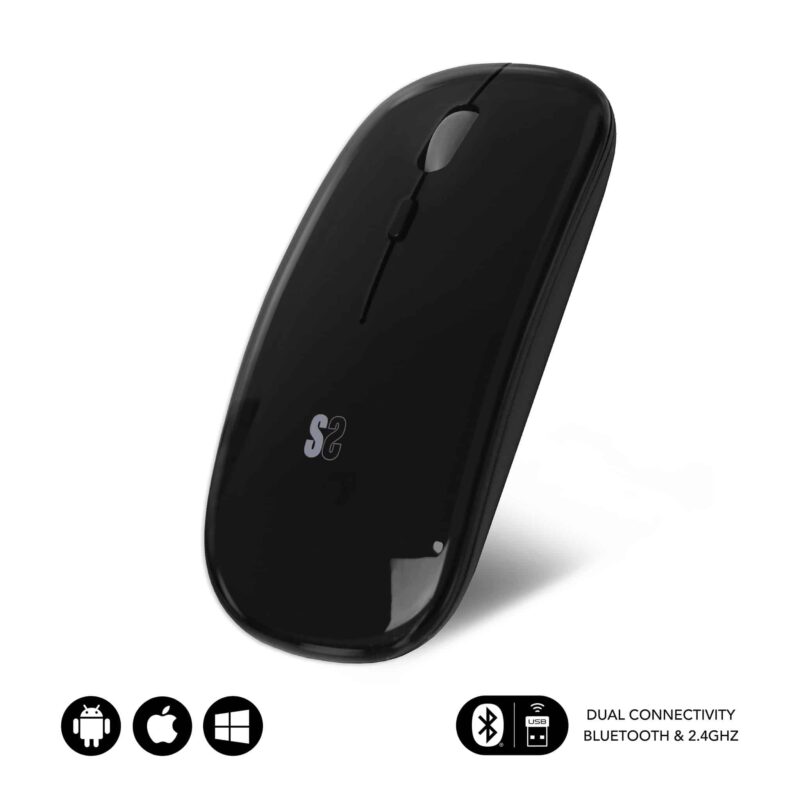
FLAT MICE

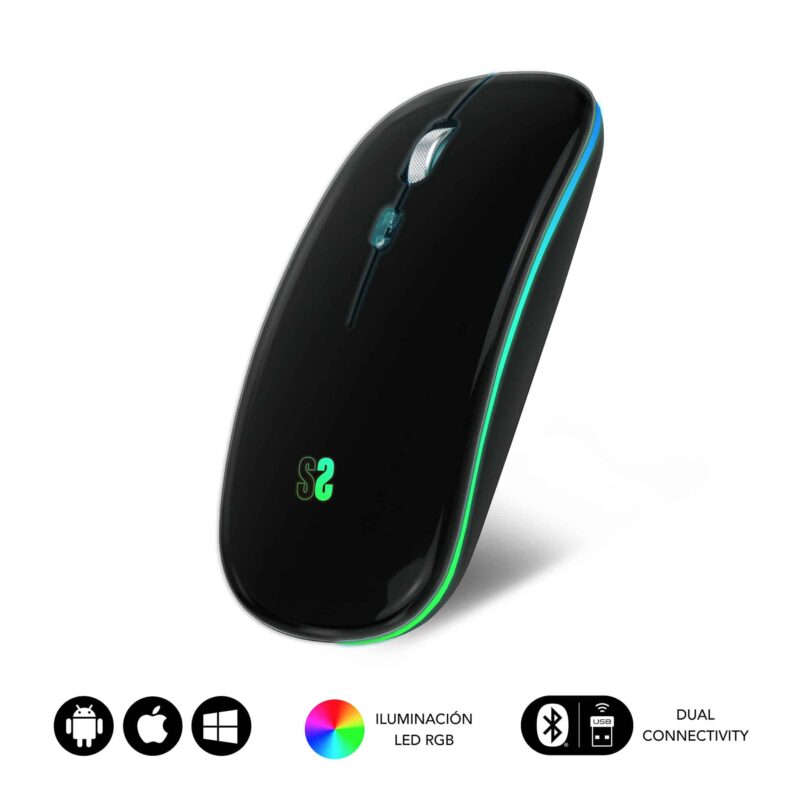
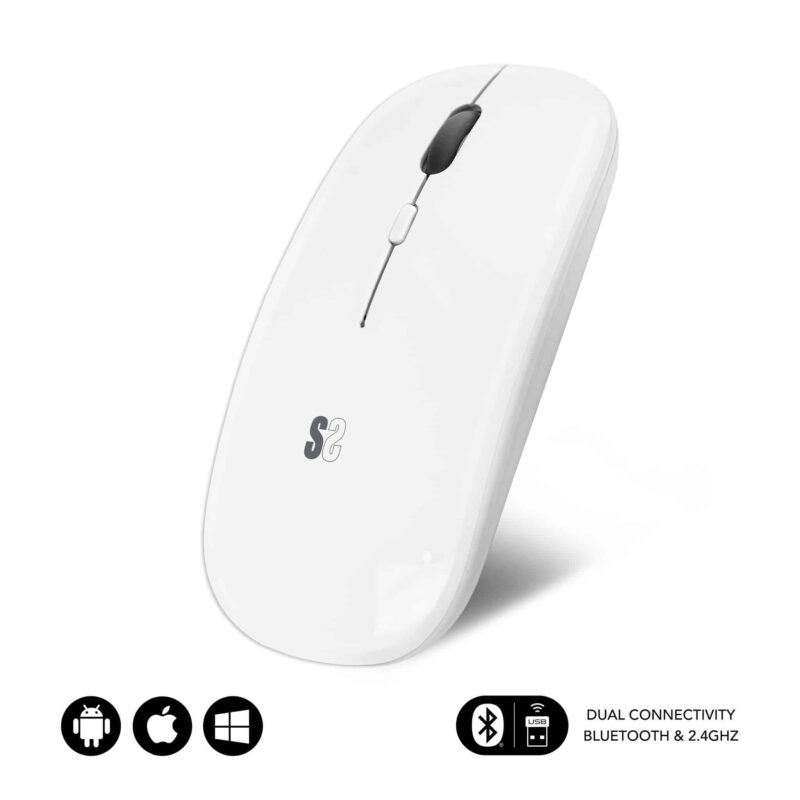
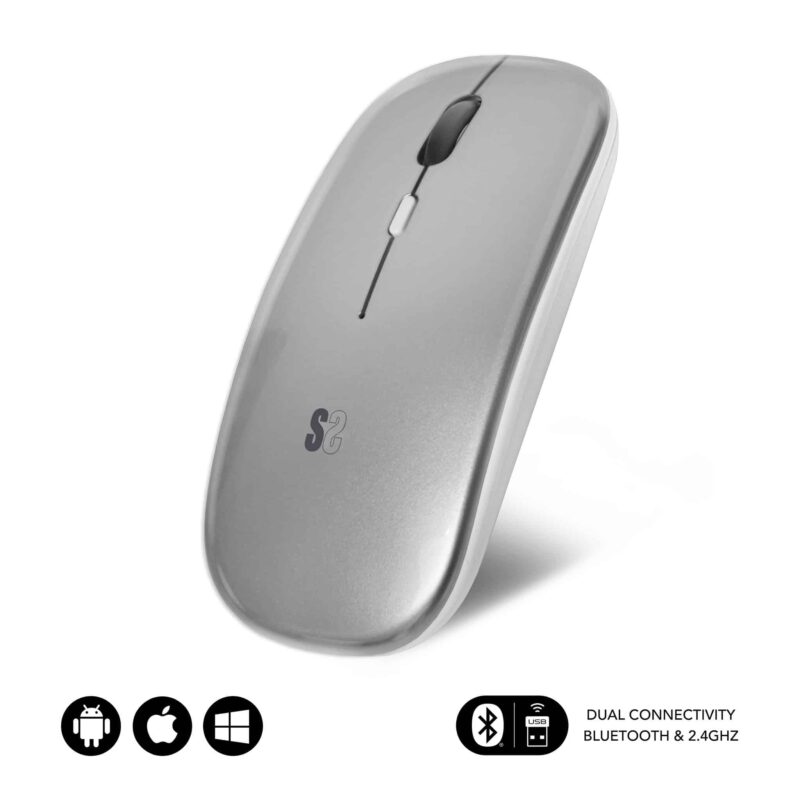
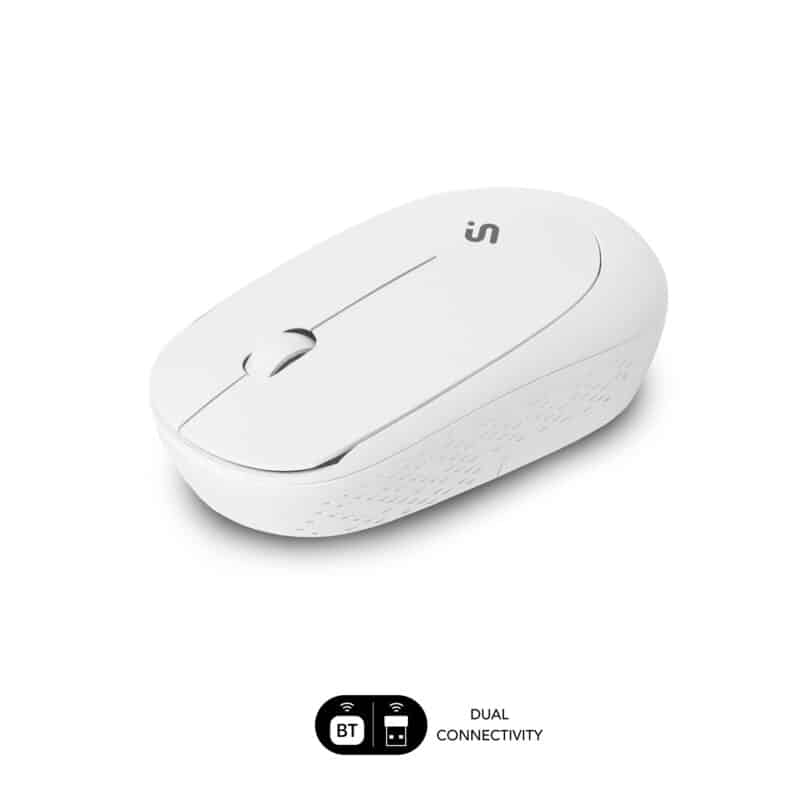
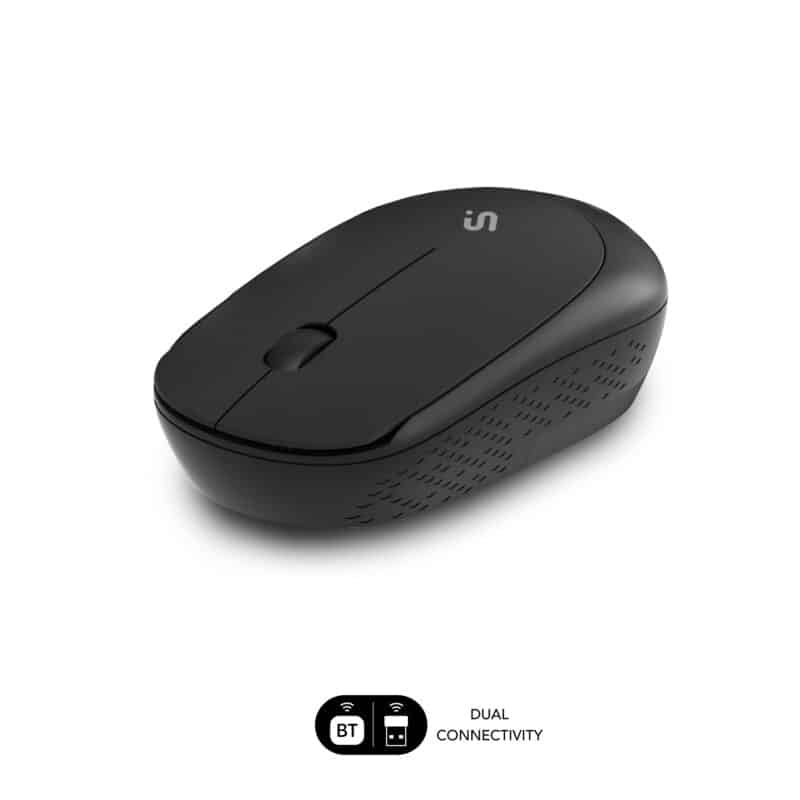
Connect via Bluetooth or radio frequency, expand your options, or use it on two devices without changing the receiver. It’s compatible with Windows, Mac OS, and Android, offering fast response, maximum speed, and low power consumption.

ERGO MOUSE

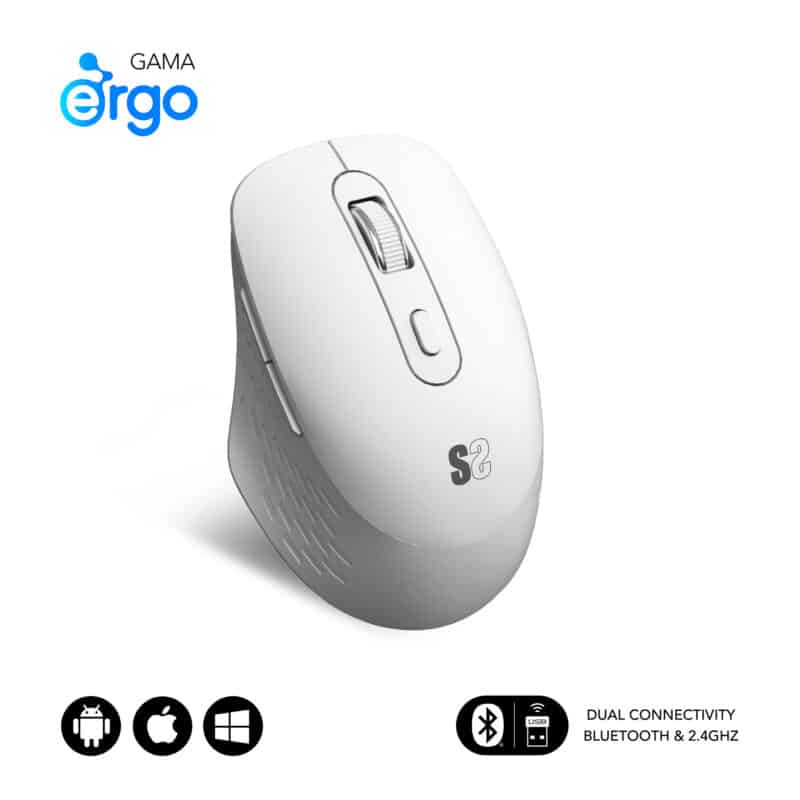
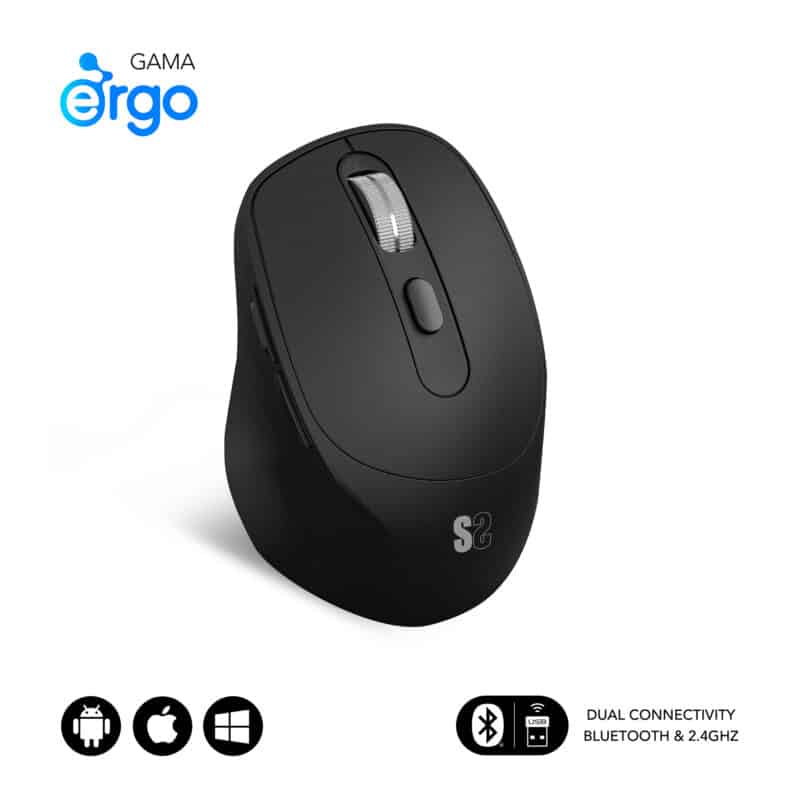
SUBBLIM Ergonomic Mice offer dual connectivity with a wireless USB receiver and the latest generation Bluetooth. This ensures a stable and uninterrupted connection in any work environment.

You can use dual keyboards and mice whenever you want, but they are really useful and necessary in some circumstances that we explain below:

When should you use a dual keyboard and mouse?

✅ Dual connectivity Radio frequency with USB receiver + Bluetooth

When working with multiple devices simultaneously

If you work with two computers, or with a computer, mobile phone, and tablet, you can reduce the number of peripherals by using a keyboard and mouse with dual connectivity.

When working in different technological environments

If you have a Windows computer and an iPad, or a Mac and an Android device, you can use the same keyboard and mouse even though the operating systems are different.

It also doesn’t matter if one of your devices doesn’t have USB ports or Bluetooth; you have both connectivity options on the same keyboard and mouse so you can choose the one your device supports.

✅ Dual connectivity Radio frequency with USB receiver + Bluetooth

When you want to reduce accessories and optimize your workspace

If your desk is small or you like to keep your workspace as uncluttered as possible, using a dual keyboard and mouse means you only need a couple of peripherals for your different work devices. With one keyboard and mouse, you can connect your computer, tablet or iPad, mobile phone, and more.

When you’re looking for an option that will last

Because you can use two types of connectivity to connect your keyboard and mouse to your devices, it doesn’t matter if you change devices and their connectivity settings change.
So if you switch to Bluetooth devices, you can continue using the same keyboard and mouse.

✅ Dual connectivity Radio frequency with USB receiver + Bluetooth

When you’re looking for next-generation multi-device accessories

The most advanced multi-device connectivity lets you use the latest generation, low-energy Bluetooth connection or the USB RF receiver. Two ways to connect your devices for limitless work.

All options for Sublim dual keyboards and mice

Bluetooth connection + 2.4GHz radio frequency connection

HOW TO CONNECT A DUAL KEYBOARD OR MOUSE

To connect a dual keyboard or mouse to your computer, you have two options:

  • Connect via 2.4G radio frequency using the USB receiver located in the keyboard’s battery compartment. This receiver is the only one used for both the keyboard and mouse.
  • Connect via Bluetooth.

How to connect a Dual keyboard using the USB receiver:

  • Find a free USB port on your computer and insert the USB receiver, which you’ll find in the keyboard’s battery compartment.
  • Turn on the keyboard using the connection tab in the upper right corner.
  • Select channel 3, which corresponds to the Radio Frequency connection, by pressing and holding Fn + 3 until you see the battery light flash. Wait a few seconds for the connection to be established, and the keyboard will pair automatically.

How to connect a Dual Mouse using the USB receiver:

  • Find a free USB port on your computer and plug in the USB receiver.
  • Turn on the mouse by placing the 2.4G connector on the base.
  • Wait a few seconds for the connection to be established; the mouse will then pair automatically.

How to connect a Dual Keyboard via Bluetooth:

  • Turn on Bluetooth on your device.
  • Turn on the keyboard by tapping the connection tab in the upper right corner.
  • Select channel 1 or 2 by pressing Fn + the selected channel number and holding it down until the battery light starts flashing.
  • Go to your device settings > Add a new Bluetooth device and search for > SUBBLIM Keyboard. Tap it to pair.
  • Before you begin, configure your operating system by pressing Fn + E for Windows, Fn + Q for iOS, or Fn + W for Android.

How to connect a Dual Mouse via Bluetooth:

  • Turn on Bluetooth on your device.
  • Turn on the mouse by placing the charging tab on the base facing the BT side.
  • Go to your device settings > Add a new
  • Bluetooth device and search for > SS BT5.2.
  • Tap it to pair.
  • That’s it, your mouse is now paired.

Articles on our blog about multi-device keyboards and mice

INSPIRATION

If you’re looking for inspiration, you’ll find ideas for a photo desk on our Pinterest and Instagram pages.

ANUNCIO SEMANA SANTA

Queremos informarte que, debido a los festivos de Semana Santa, es posible que nuestros tiempos de preparación de pedidos sufran una demora de hasta 4 días. Si tienes alguna pregunta o necesitas ayuda, no dudes en contactarnos a través de soporte@subblim.com.

Atentamente,
El equipo de SUBBLIM